.webp)




What is IT Service Request Management? Everything You Need to Know
IT teams handle many different kinds of work each day. Some work fixes things that broke, and other work delivers something that a person asked for.
A clear way to separate those two types of work makes support easier to run. It also makes expectations clearer for the person asking for help.
IT service request management focuses on the "asked-for" side of IT work. This article explains the basics using simple language and common examples.
Ever feel like your IT team is drowning in a flood of "Hey, can you just..." requests, resetting passwords at 9 AM, provisioning software at noon, and hunting down missing laptop chargers by 3 PM, all while trying to prevent the next system outage?

Think of IT service request management as your team's personal assistant: it captures every request, routes it to the right person, and keeps everyone in the loop until it's done. No more hunting through email chains or wondering if that laptop request fell into a black hole.
What is a service request?
A service request is when someone formally asks IT for something standard that follows a known process. Unlike incidents where something broke, service requests are planned requests for routine items or access.
Think of it like ordering from a menu versus calling an ambulance. Service requests are the menu orders, predictable, manageable, and follow clear steps from request to delivery.
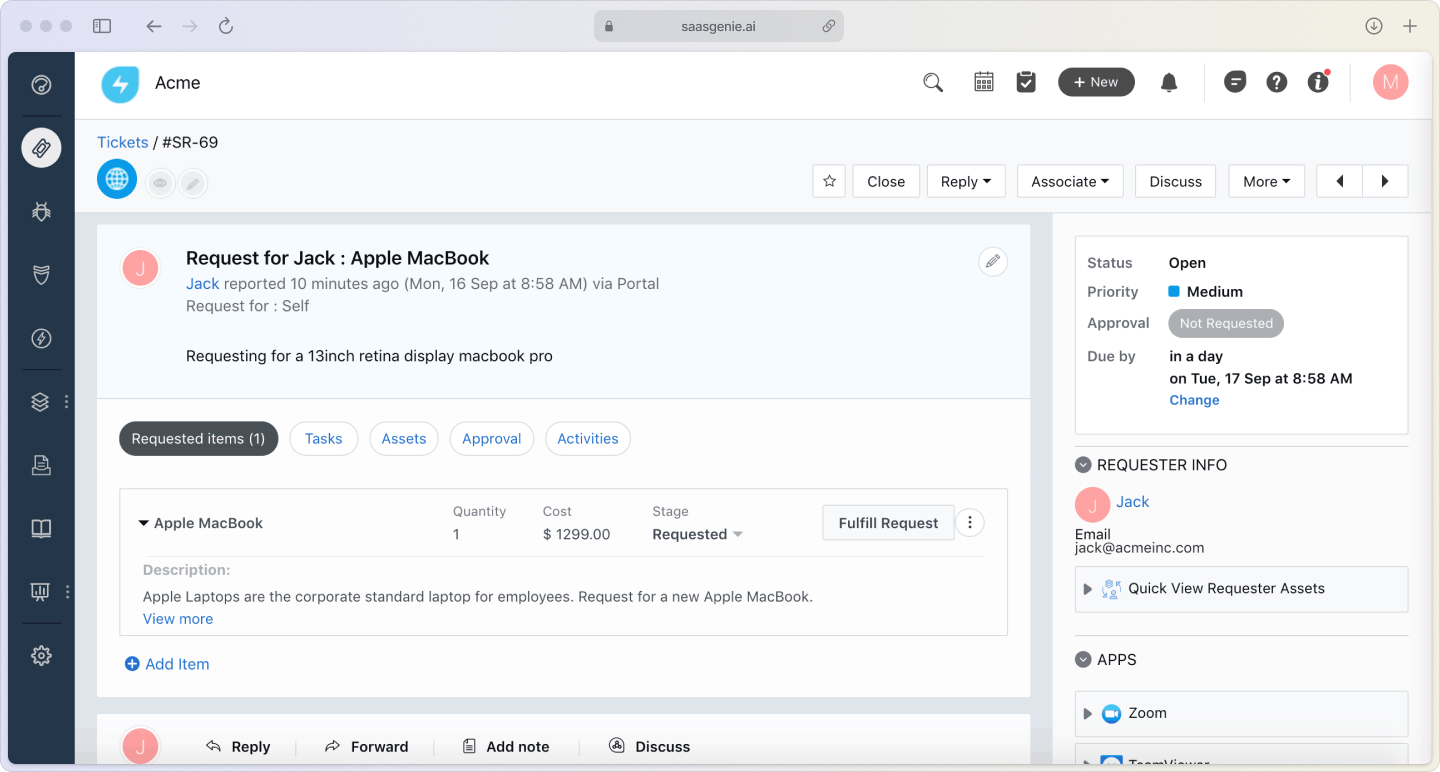
Common service request examples include:
- Software access: Getting a license for Slack or Adobe Creative Suite.
- Hardware requests: A new laptop, monitor, or wireless mouse.
- Account permissions: Access to shared folders or admin rights.
- Information requests: How-to guides or policy clarifications.
What is IT service request management?
IT service request management is the system and process that handles routine IT requests from start to finish. It's how organizations capture what people need, decide who handles it, track progress, and close the loop when it's done.
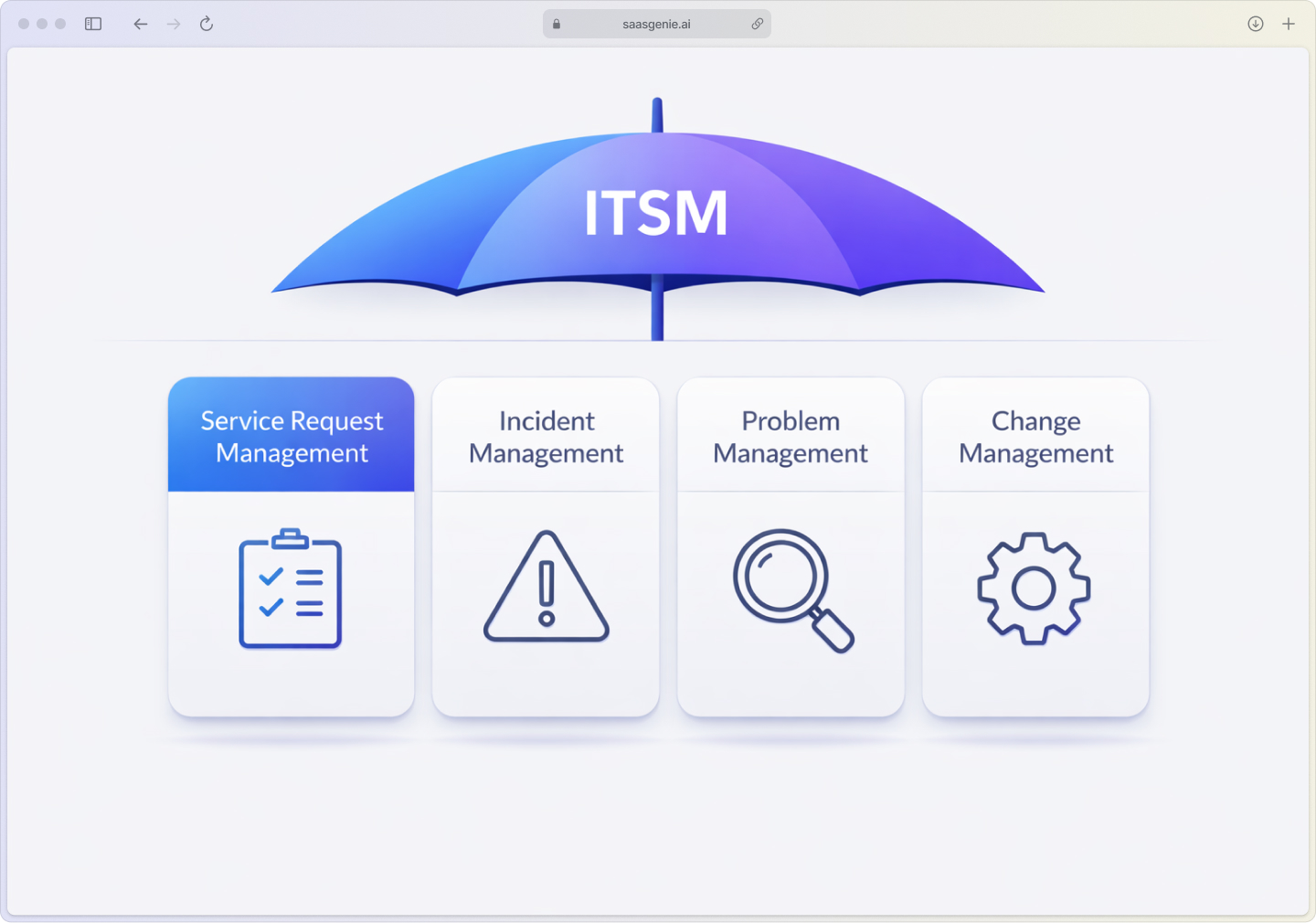
This practice sits under the bigger umbrella of IT Service Management (ITSM). The discipline that covers how IT delivers and improves services. Request management specifically deals with the predictable, routine stuff that follows standard workflows.
Good request management creates a repeatable system where common asks get handled consistently. Instead of reinventing the wheel each time someone needs laptop access or a password reset, teams follow proven steps that work.
The goal is simple: make getting help from IT feel smooth and predictable, like ordering from your favorite coffee shop where the barista knows your usual order.
Service request management vs incident management
People often mix up service requests and incidents because both create tickets. The difference comes down to timing and intent.
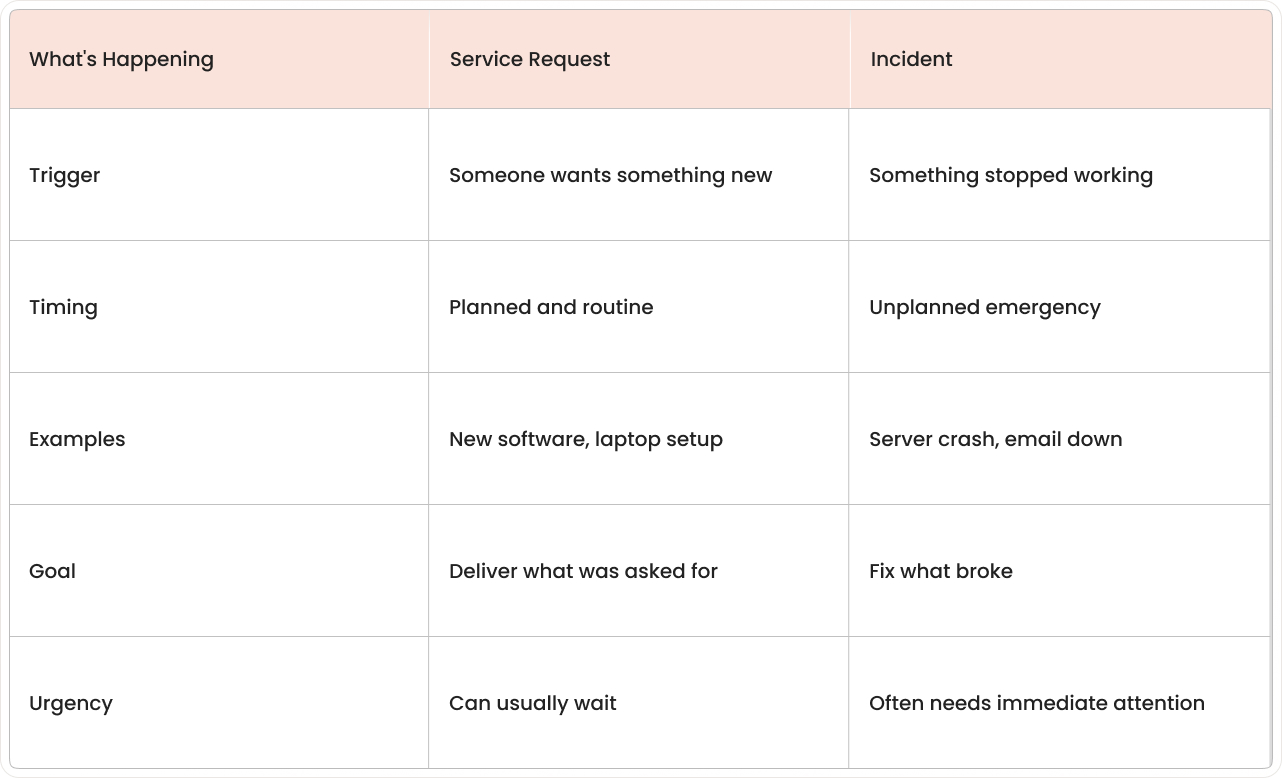
Service request management handles the planned stuff, new employee onboarding, software installations, and access changes. Incident management jumps into action when systems fail and need restoration.
Both matter, but they require different approaches. Requests follow workflows; incidents need rapid response and diagnosis, while problem management prevents recurring issues.
Types of IT service requests
Most IT service requests fall into a few standard categories. Understanding these helps teams organize work and set realistic expectations about timing and approval steps.

Access and permissions
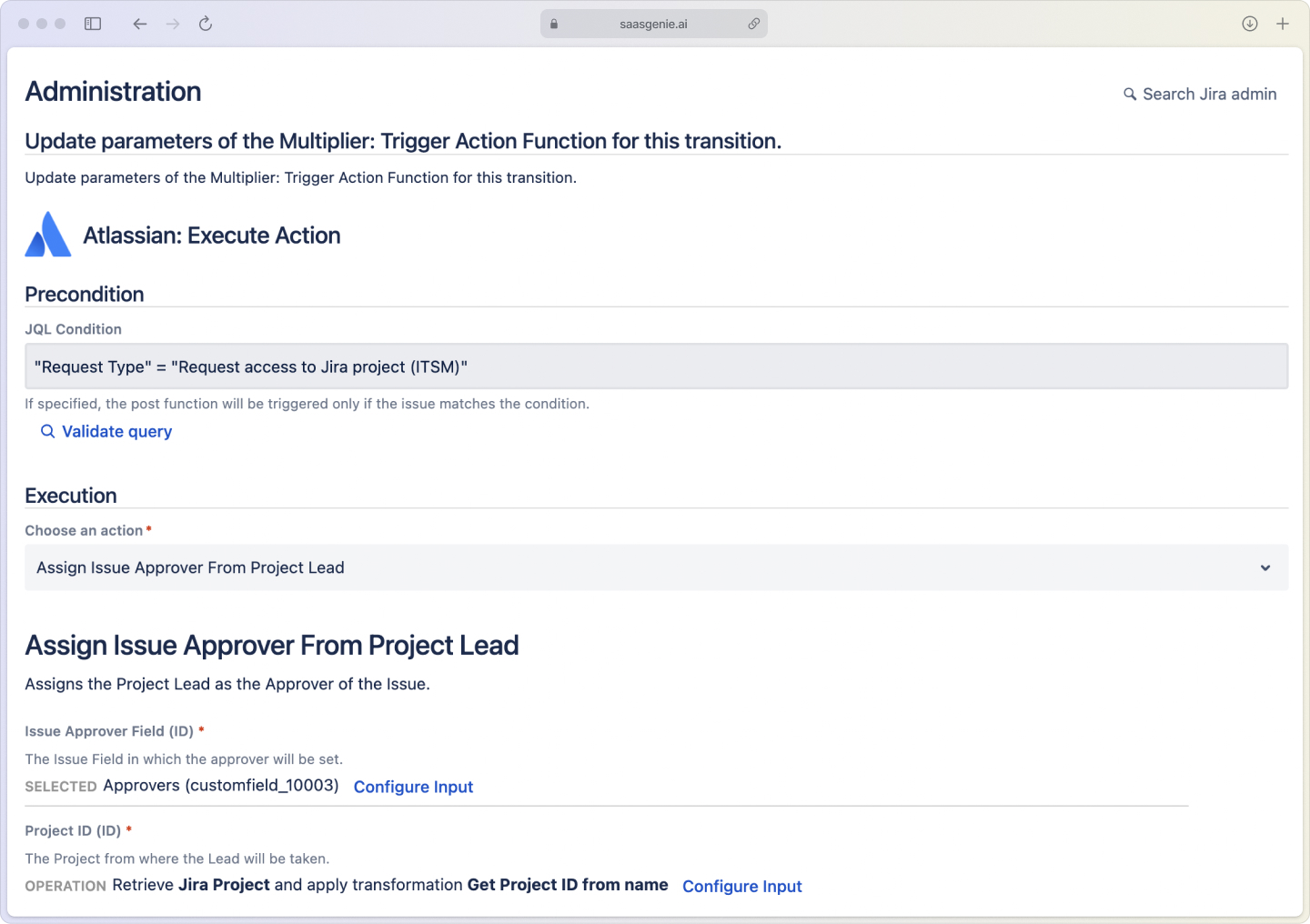
Access requests involve giving someone the right level of entry to systems, applications, or data. These often represent the highest volume of requests because access needs change whenever people join, switch roles, or leave.
Common examples:
- New employee onboarding packages
- Role-based access changes
- Contractor time-limited permissions
- Shared folder access
Hardware and equipment
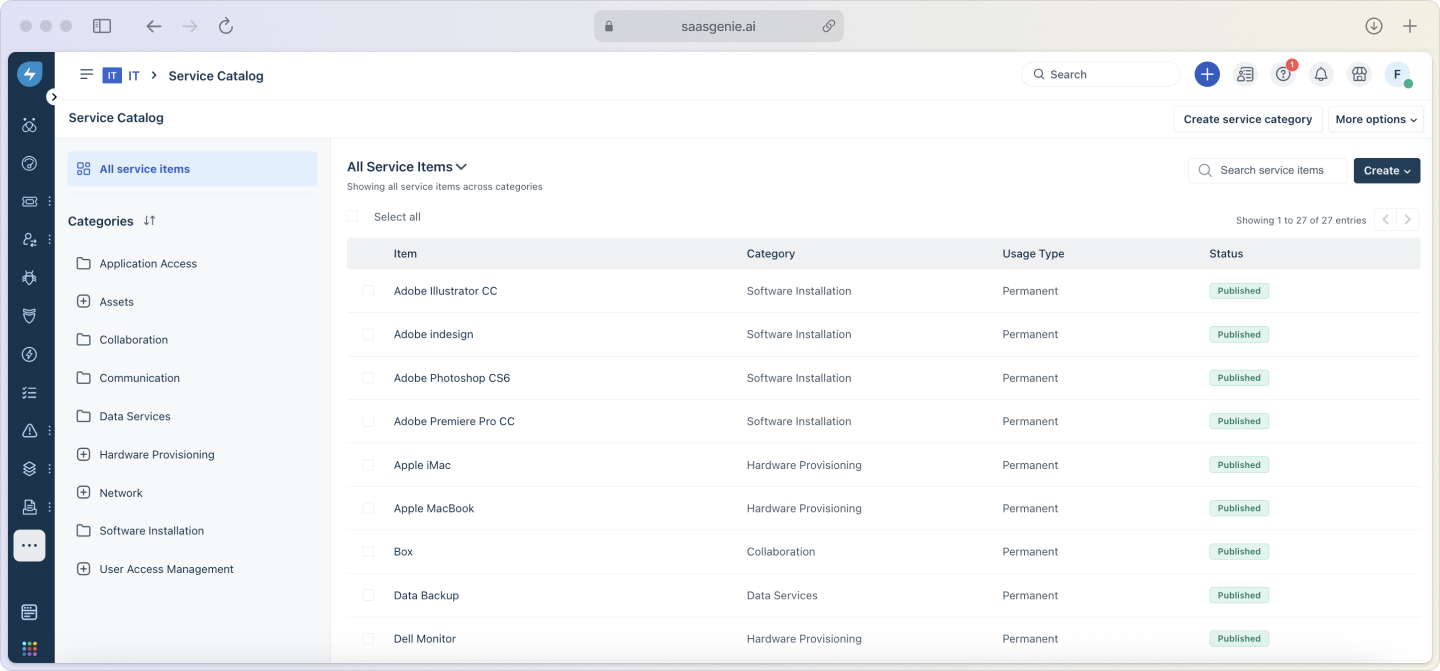
Hardware requests cover physical devices people need for work. These requests often involve procurement, imaging, and delivery logistics.
Typical requests:
- Laptop or desktop computers
- Monitors, keyboards, and mice
- Mobile devices and accessories
- Conference room equipment
Software and applications
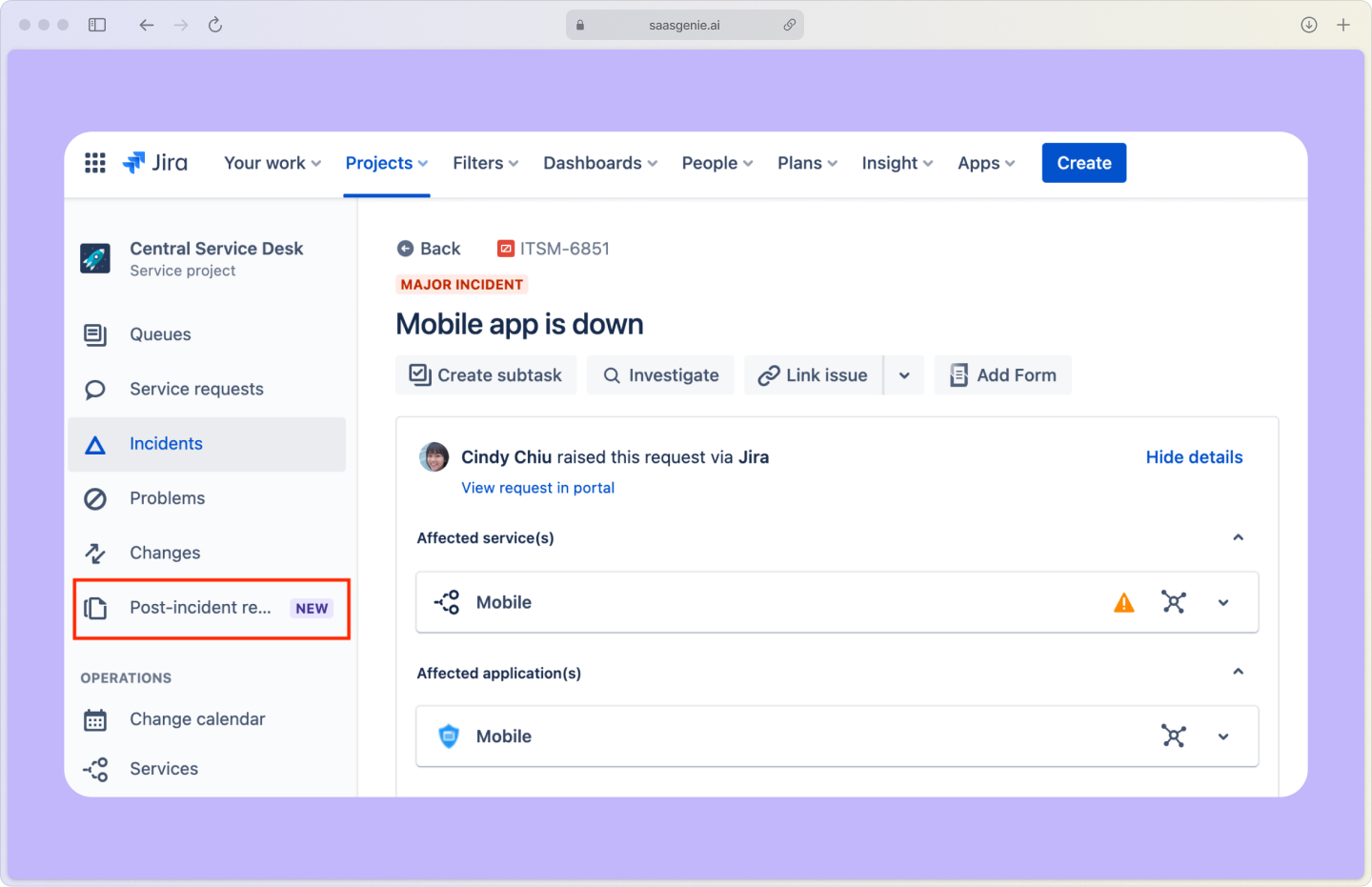
Software requests include installing programs, granting application access, or upgrading licenses. These may require budget approval and license availability checks.
Examples include:
- New application installations
- License upgrades or downgrades
- Cloud service access
- Development tool requests
Information and support
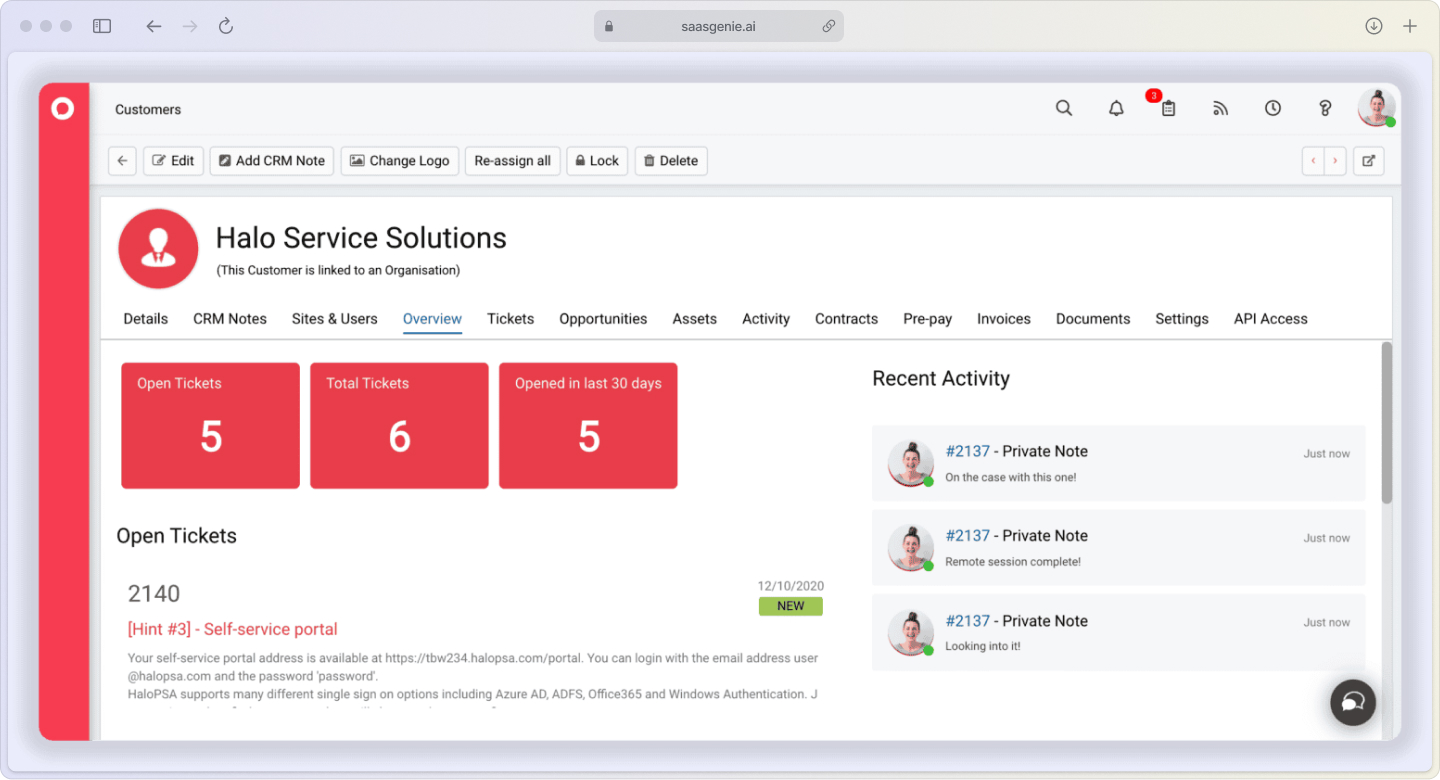
Information requests cover questions that don't report broken systems. These often get resolved by sharing knowledge articles or providing step-by-step guidance.
Common requests:
- How-to instructions
- Policy clarifications
- Status updates on other requests
- General IT guidance
Service request management process
Most ITSM service request workflows follow a similar path based on ITIL (IT Infrastructure Library) best practices. ITIL provides proven frameworks that thousands of organizations use to standardize their IT operations.
Here's how requests typically move from submission to completion:
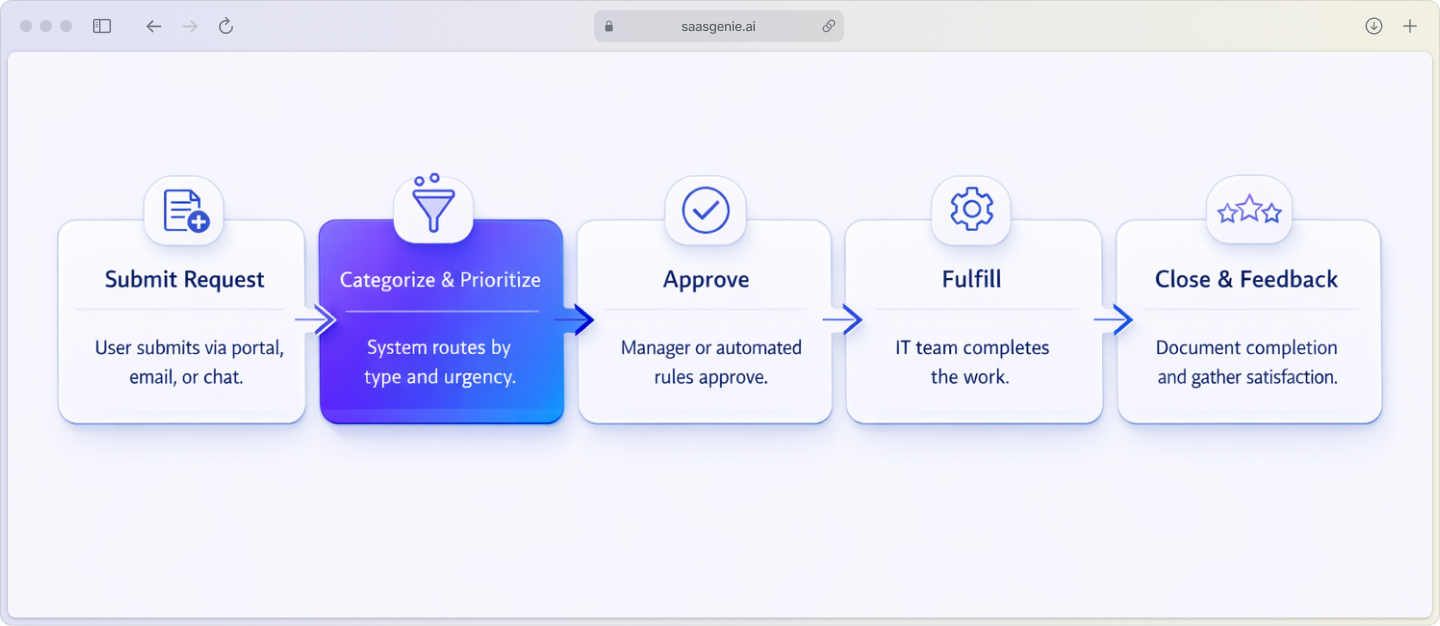
Step 1: Submit the request
Users submit requests through various channels—self-service portals, email, chat, or phone. Service catalogs (structured menus of available services) help people find what they need and provide required details upfront.
Modern request management tools capture structured information that makes the next steps easier and faster, with AI-based automation reducing resolution times by 50%.
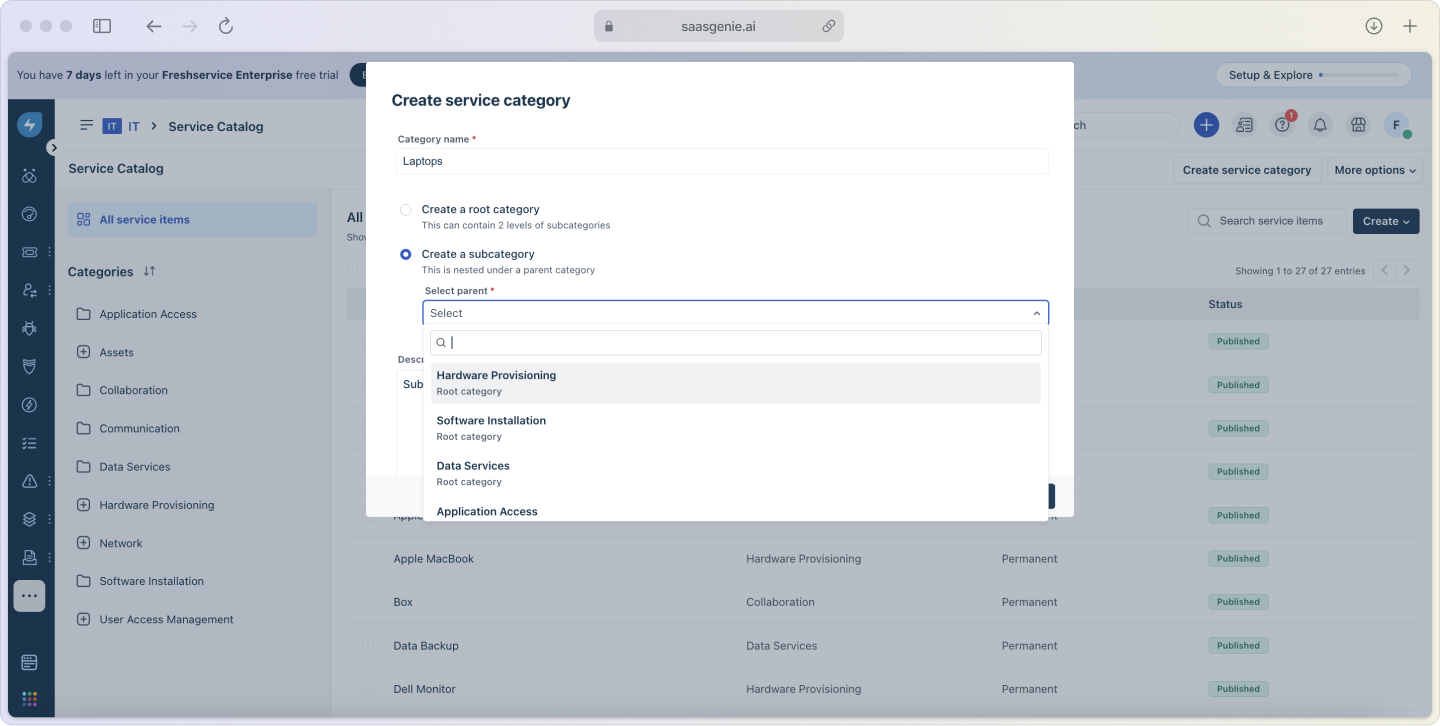
Step 2: Categorize and prioritize
The system or an agent categorizes the request by type (access, hardware, software) and sets priority based on impact (how many people are affected) and urgency (how time-sensitive it is).
Smart categorization helps route requests to the right team and apply appropriate workflows automatically.
Step 3: Approve the request
Requests that involve costs, security, or policy considerations go through approval steps. A service request manager or automated rules determine which approvals are needed based on request type and requester role.
Approval workflows create audit trails and ensure proper oversight without slowing down routine requests.
Step 4: Fulfill the request
Request fulfillment is where the actual work happens, installing software, configuring access, or shipping equipment. This can be manual, automated, or a combination, depending on the request type.
Automation handles routine tasks like password resets (58% of organizations use AI for this specific task), while complex requests may require multiple teams working together.
Step 5: Close and gather feedback
When fulfillment completes, the request gets closed with documentation about what was delivered. Many teams collect satisfaction feedback to improve their request service over time.
Good closure practices create knowledge for future similar requests and help teams spot improvement opportunities.
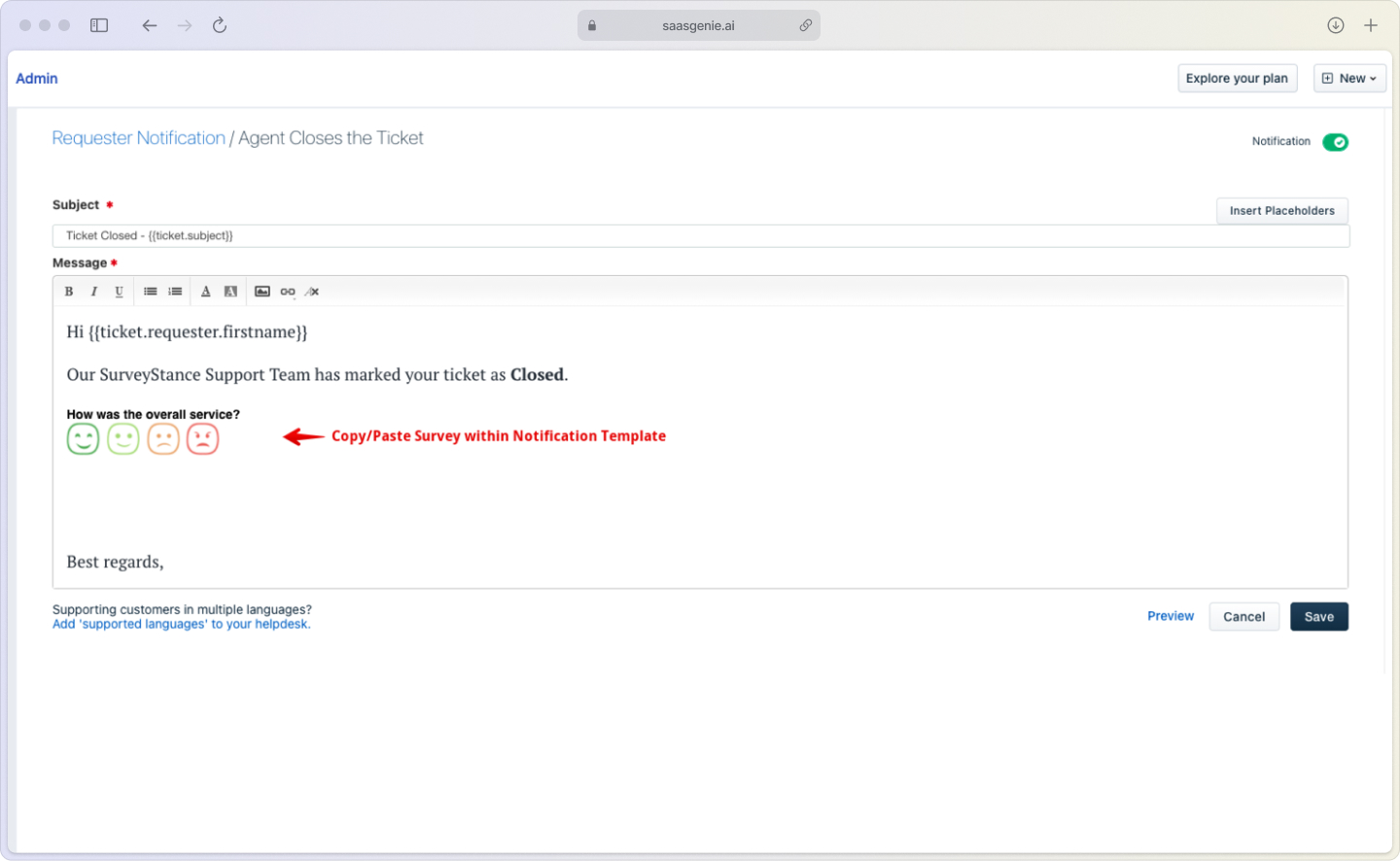
Benefits of effective request management
Organizations that formalize their IT service request management see measurable improvements in speed, consistency, and user satisfaction, often achieving 30%-40% reduction in support costs when implementing self-service capabilities.

Key improvements include:
- Faster fulfillment: Standard workflows eliminate guesswork and reduce delays.
- Better visibility: Centralized tracking shows what's happening and where bottlenecks occur.
- Improved planning: Requesting data helps predict demand and allocate resources.
- Stronger compliance: Documented processes support audits and security requirements.
- Higher satisfaction: Clear communication and predictable delivery improve user experience.
The compound effect of these improvements often surprises teams; small process changes create significant time savings and reduce frustration for everyone involved.
Service request management tools
Service request management software captures, routes, and tracks requests through completion. Modern ITSM platforms like Freshservice, ServiceNow, and Jira Service Management include request management modules alongside incident and change management.
Essential capabilities include:
- Service catalog: Organized menu of requestable services.
- Workflow automation: Rules that handle routing and approvals.
- Self-service portal: User-friendly interface for submissions.
- Reporting dashboards: Visibility into volumes, trends, and performance.
- Integrations: Connections to identity systems, asset databases, and communication tools.
The right tool depends on your request volume, approval complexity, and integration requirements. Many teams start with basic ticketing and add automation as they mature their processes.
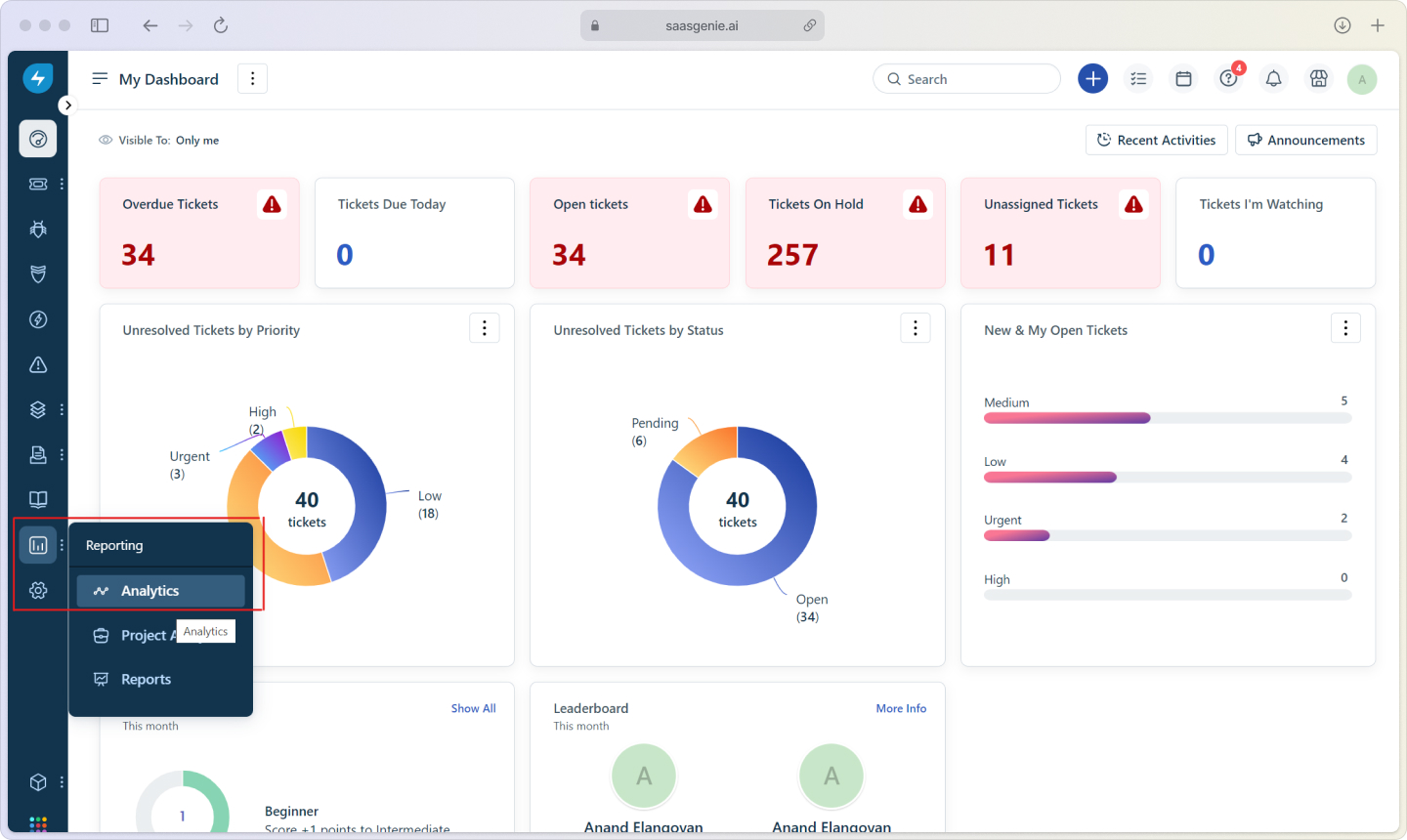
Choose the right approach
An effective request management service starts with understanding your current request types, volumes, and pain points. Most teams benefit from:
Starting simple: Begin with clear categories and basic workflows before adding complex automation.
Focusing on high-volume requests: Automate password resets and common access requests first for immediate impact.
Building self-service gradually: Create knowledge articles and guided forms that help users help themselves, meeting the expectations of 90% of customers worldwide who expect self-service options.
Measuring what matters: Track fulfillment time, user satisfaction, and request volumes to guide improvements.
The goal isn't perfection from day one. It's creating a foundation that improves over time as you learn what works for your organization.
Common implementation challenges
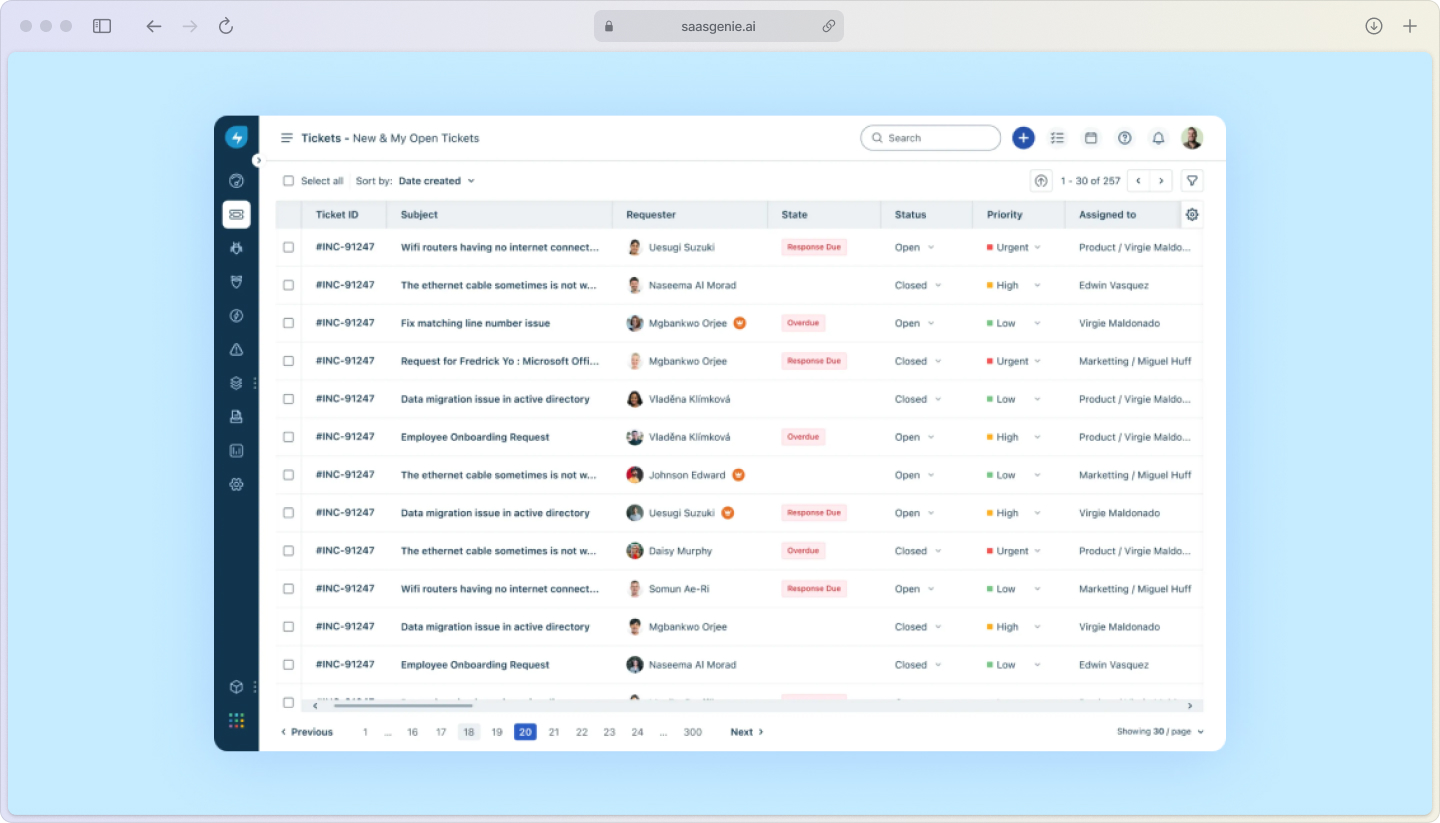
Teams implementing ITSM request management often encounter similar obstacles:
Catalog complexity: Starting with too many service options can overwhelm users and agents. Focus on the most common requests first.
Approval bottlenecks: Over-engineered approval workflows create delays. Design approvals that match actual risk levels.
Poor adoption: If the new system is harder than email, people won't use it. Prioritize user experience and provide clear migration communication.
Integration gaps: Disconnected tools create manual work and data inconsistencies. Plan integrations early in the implementation process.
Most challenges stem from trying to solve everything at once rather than building capability incrementally.
Streamline your service request management with saasgenie
Setting up IT service request management that actually works requires balancing process, technology, and user adoption through expert ITSM implementation. saasgenie helps organizations implement and optimize request management using proven frameworks and modern tools.
Our approach focuses on practical outcomes, faster fulfillment, clearer communication, and measurable ROI. We work with leading platforms, including Freshservice and Jira, among others, to match your specific needs and constraints.
Whether you're starting from scratch or improving existing processes, we help translate request management theory into working systems that your teams will actually use.

Ready to transform how your organization handles service requests?
Contact us to discuss your specific situation and goals.